Nixt Mail keeps no copy of your mailbox on our servers.
Nixt Mail speaks IMAP and SMTP straight from your machine to your provider. The code refuses to be configured otherwise, and a test enforces it.
Business · shared inboxes, unshared mailboxes
Assignment, internal notes and presence for the people you work with. The server stores a keyed hash of the message identifier — never the message, the subject or the recipients — and every seat reads the mail with its own credentials.
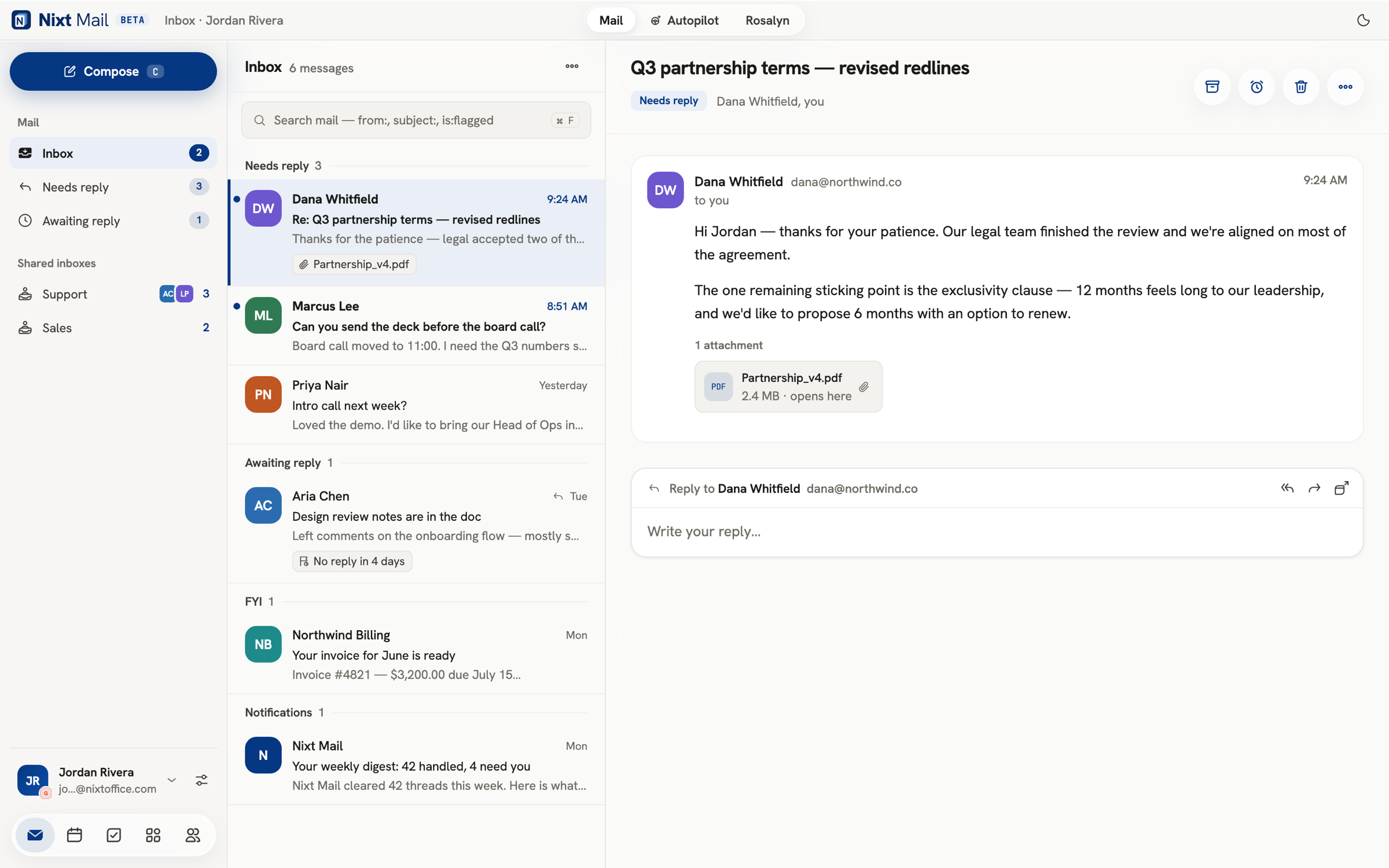
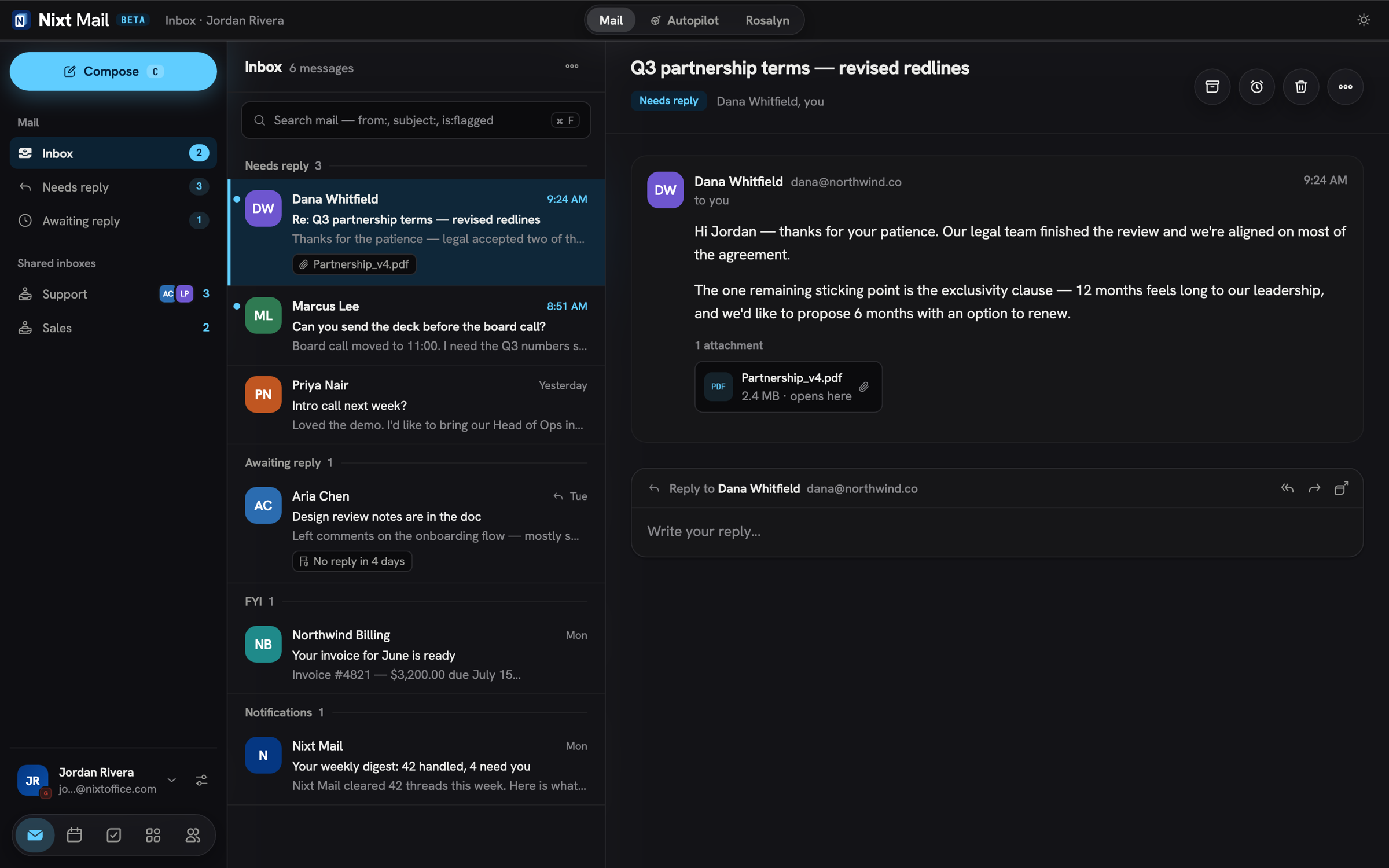
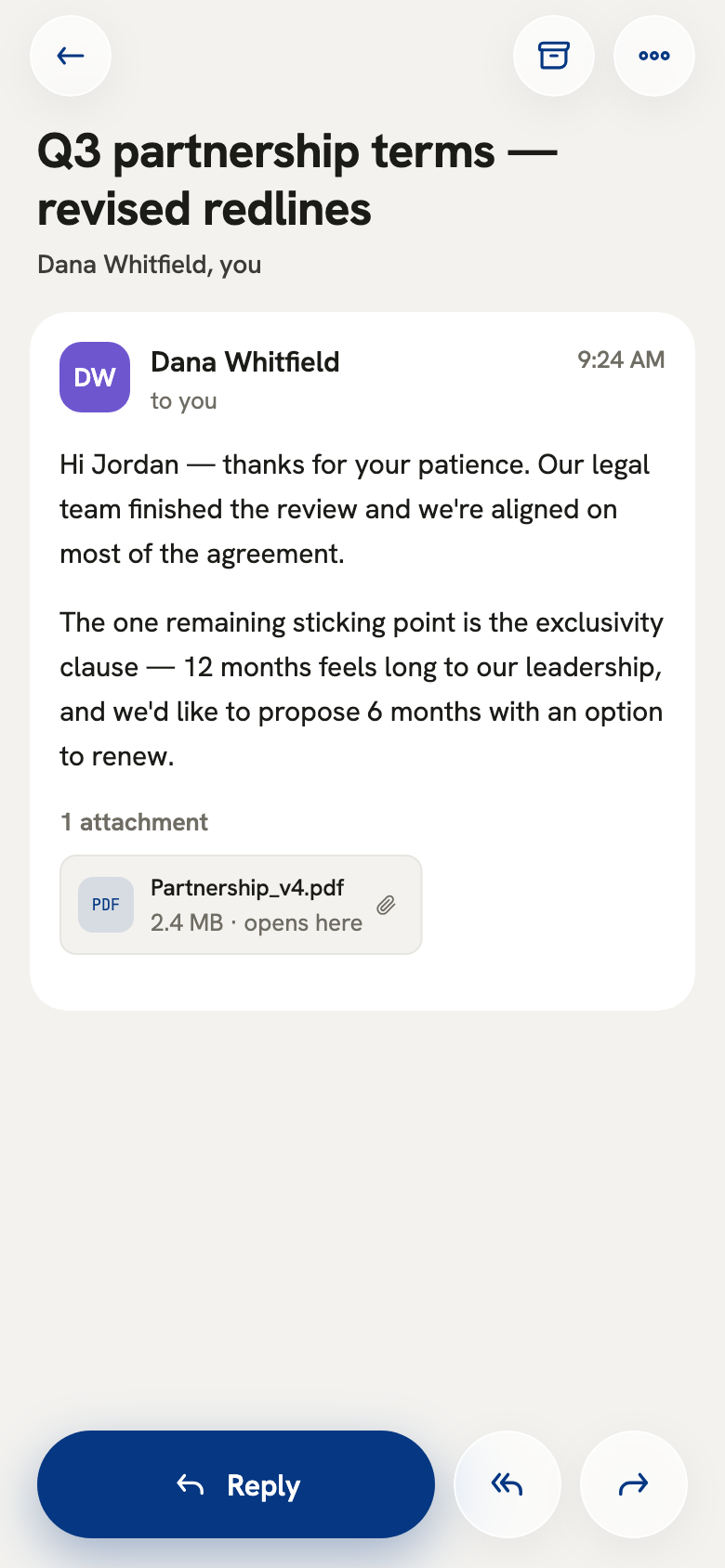
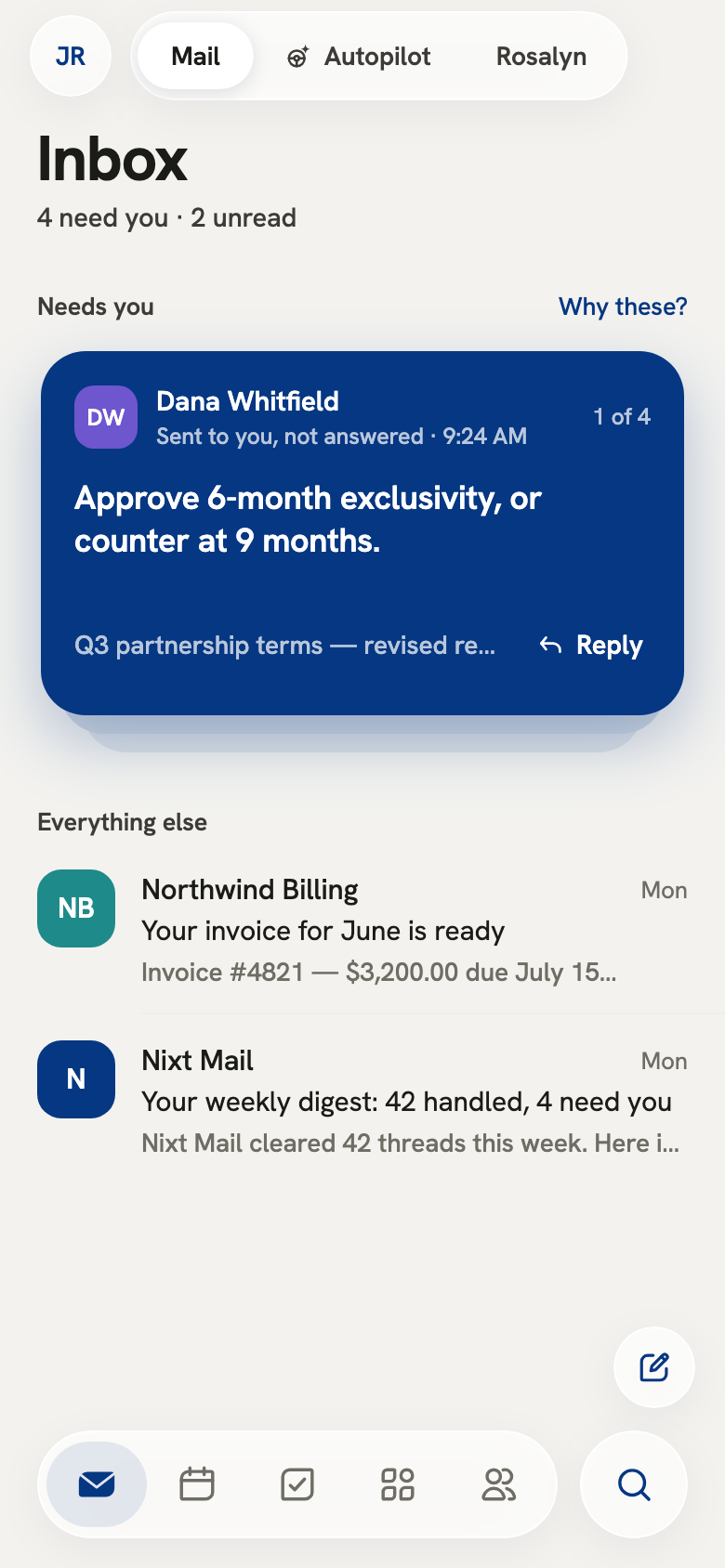
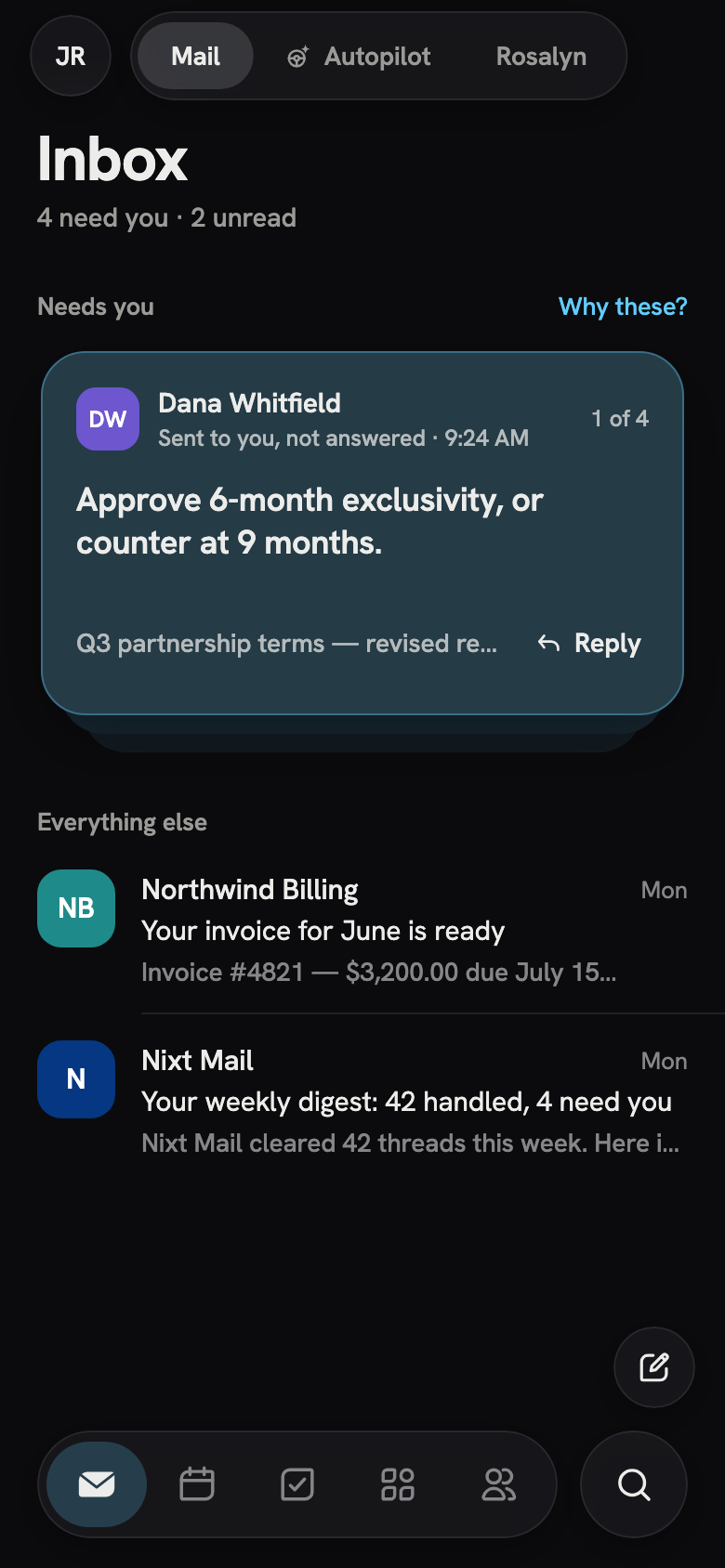
The inbox, sorted by who owes whom a reply.
Coming: she reads it all, sorts it into piles, and tells you in one sentence who needs what. Then you go through it with her.
Custody
Nixt Mail talks straight to your email provider, so Nixt Mail never copies your mailbox to our servers. Rosalyn is optional, and coming. When you turn her on, the mail she needs for each request will go to Rosalyn Cloud in the EU, be used for that answer, and won’t be kept. What she remembers is encrypted with keys only your devices hold; Rosalyn Cloud can read it only while answering a request you send. If you choose Nixt to host your mail, it is stored on our servers, as any email provider’s would be.
Nixt Mail speaks IMAP and SMTP straight from your machine to your provider. The code refuses to be configured otherwise, and a test enforces it.
It is read from your provider as you open it. Offline mail is off until you turn it on; it, and the copy of a draft kept while you write, are encrypted with a key in your keychain.
Tracking pixels do not load, because the request never happens — unless you load a message's images or trust a sender.
Pinned to the device, never synced, never readable back by the interface.
What the app does hold, such as your recent searches, is on an on-screen list in Settings, with one button that erases all of it.
The claim, in full
Your mailbox, still yours.
Your mail stays on your devices, with your email provider, and with any AI provider you choose to connect. None of your mail goes to Nixt unless you turn on Rosalyn or choose Nixt to host your mail.
Where things run
Search here, AI there, shared inboxes somewhere else. Every capability is placed independently — on this device, on a server you control, or in a region you name. Half-configured capabilities send nothing; they never quietly fall back to the cloud.
Point AI at a local model — Ollama or LM Studio on http://localhost:11434 — and each row in Settings says where it runs and whether anything leaves the device.
Search stays on your disk. AI runs against an EU endpoint using your own API key, direct from your machine to your provider — never through us. Mail is not part of the decision: it can only ever go direct.
Assignment, internal notes and presence run on a server you control. It stores what the people you share with add on top — identified by a keyed hash of the message ID, so it can tell two people are on the same thread without knowing which thread. Pseudonymous under GDPR, never anonymous — we say so plainly.
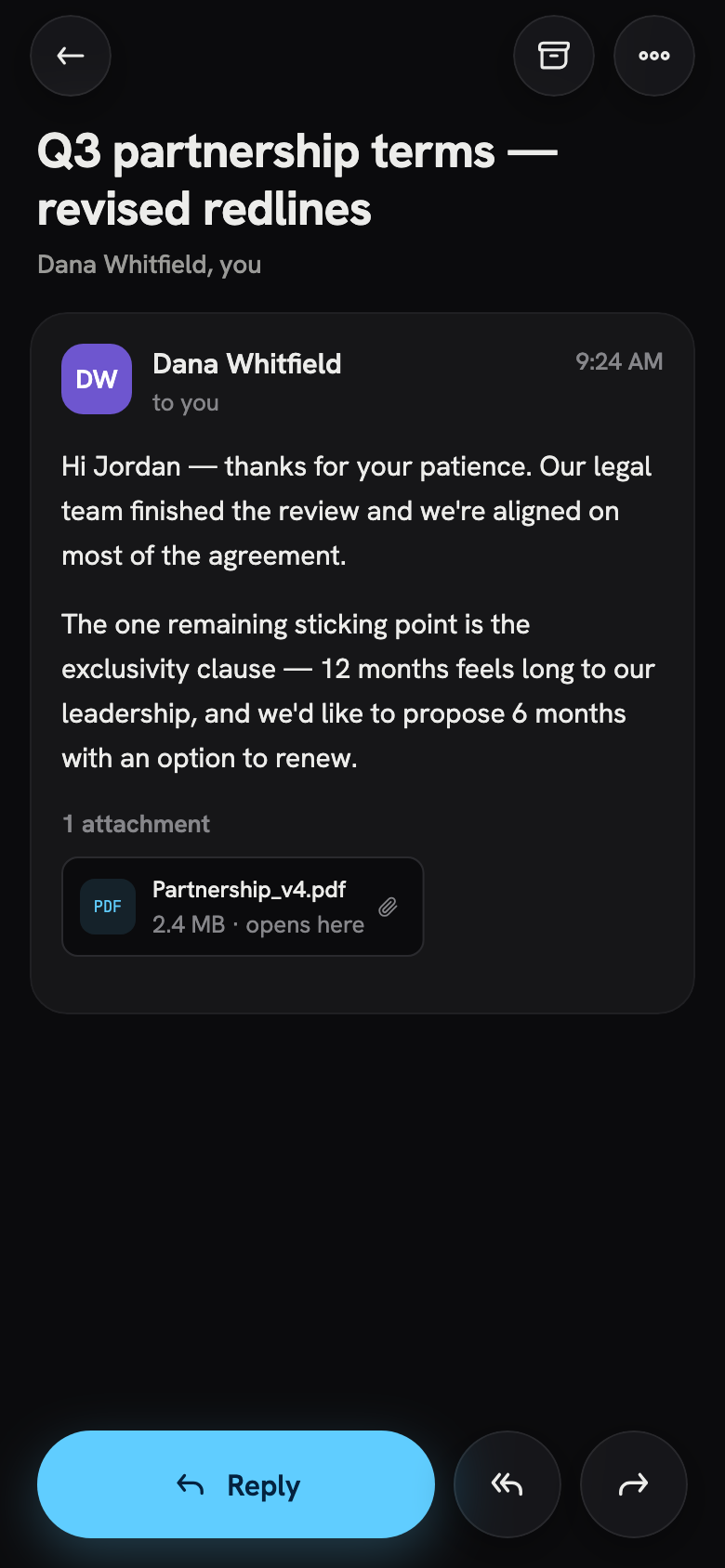
Mail is the traditional way in, and it is a first-class mail client of its own: no AI cards in the reading pane, replies written inside the conversation, every action on a key. What is new is the order: conversations sit in lanes by who spoke last, so what needs you is at the top before you have read a word.
Rosalyn · coming
Rosalyn is Nixt Atlantic’s own assistant for mail, the third way in, and she is coming. Ask her what you have and she answers in one sentence, naming the people; her desk sorts the mail into piles; and then you go through it with her, one card at a time. She prepares, you press go. She never sends an email: she drafts, you send.
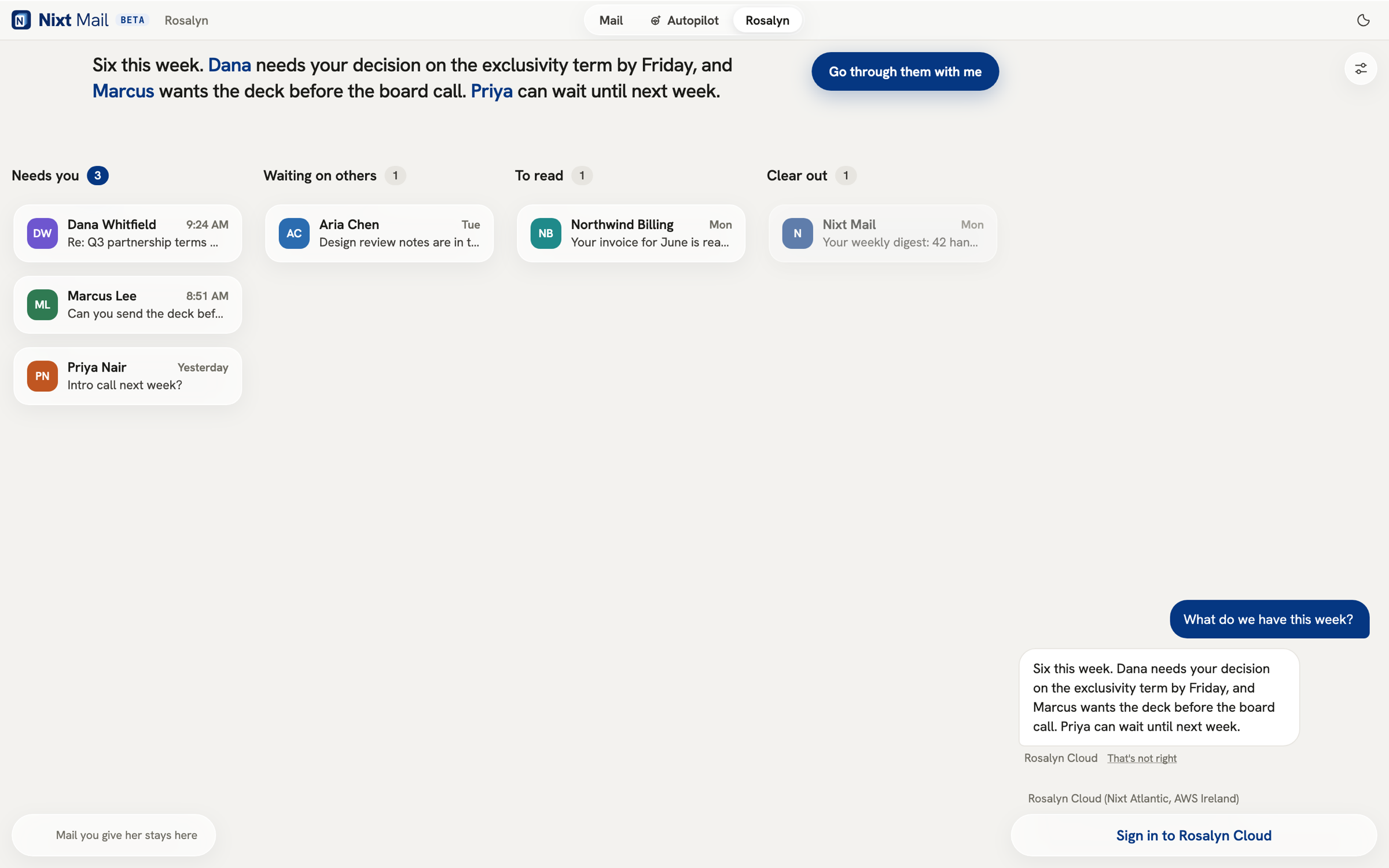
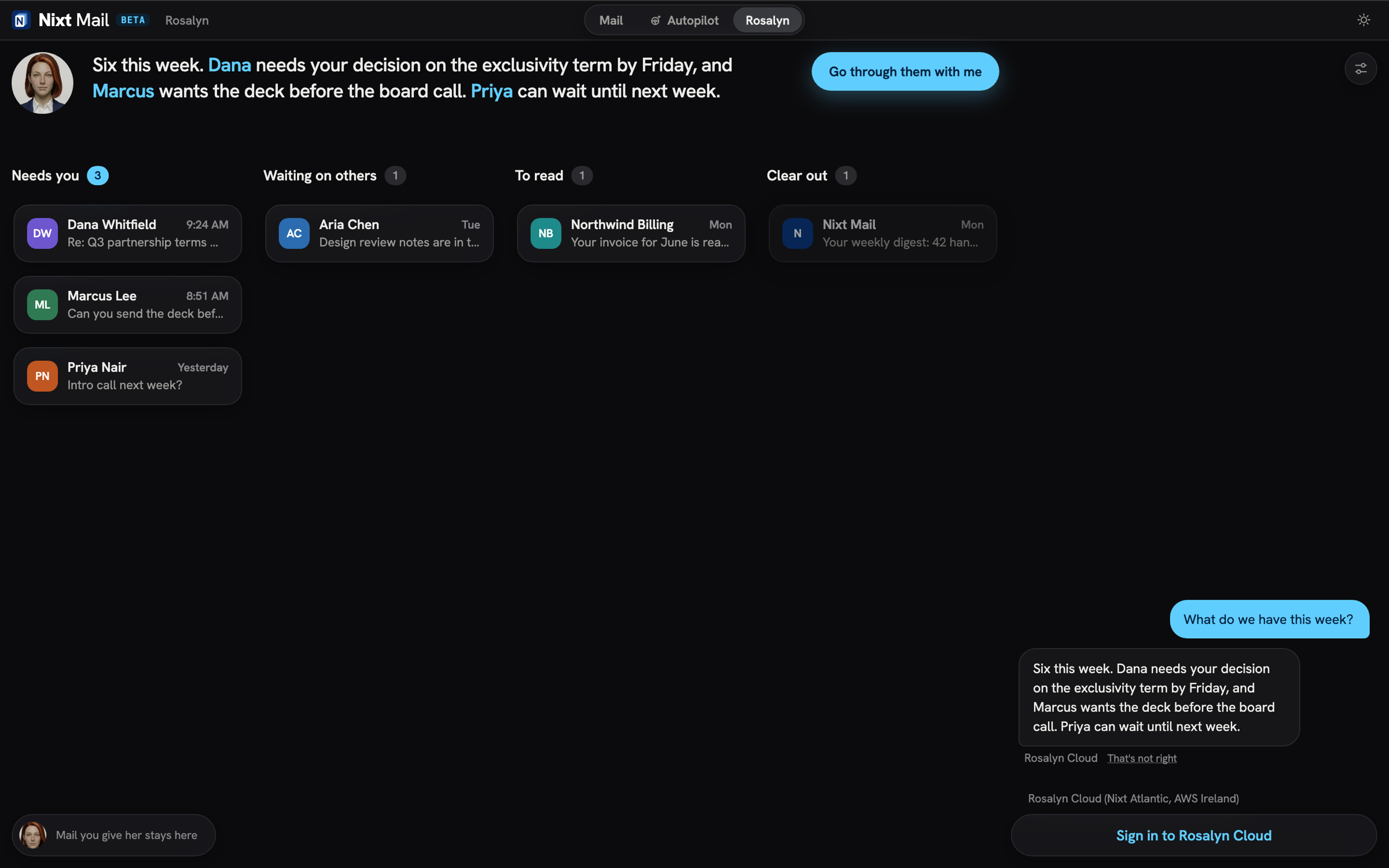
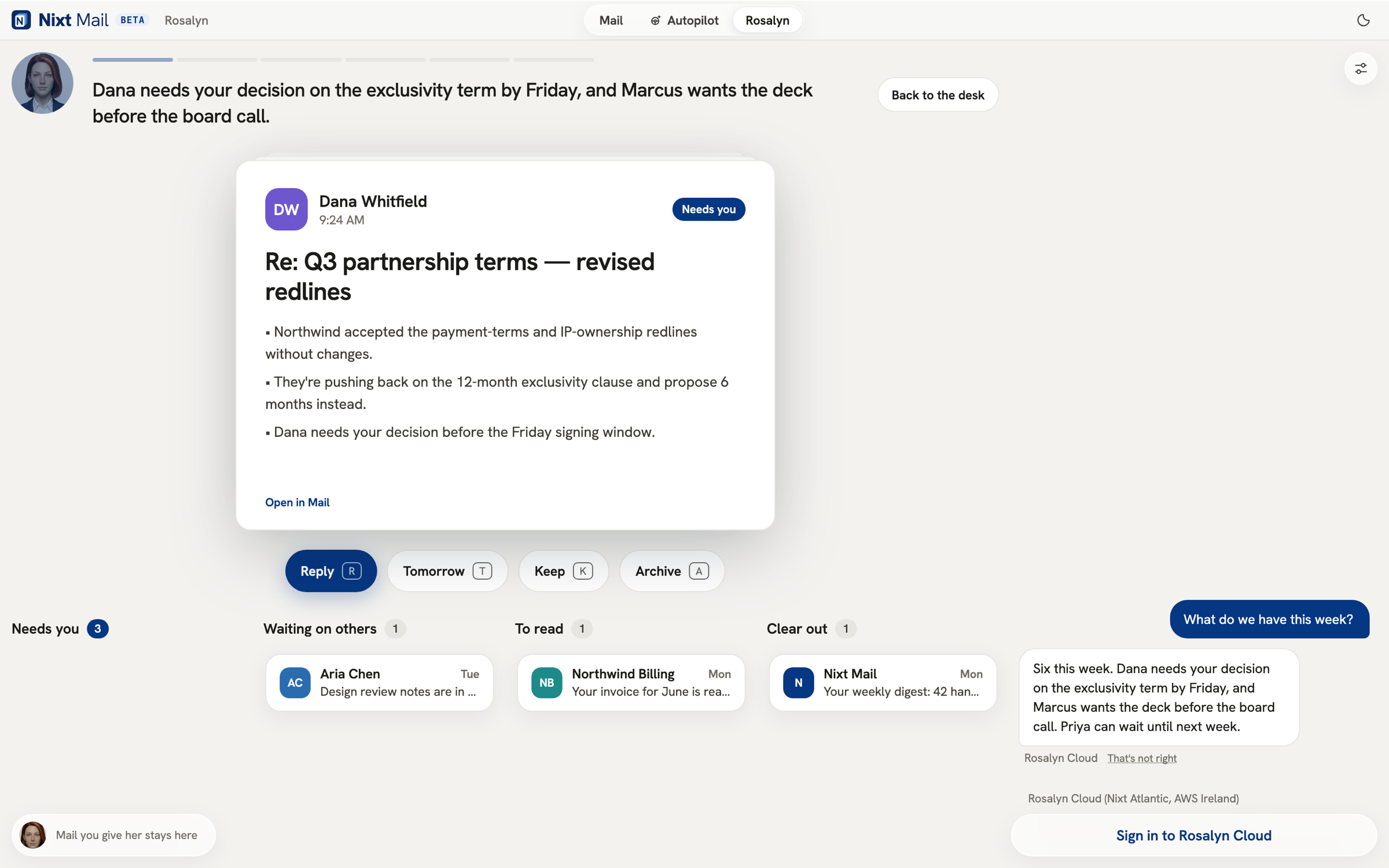
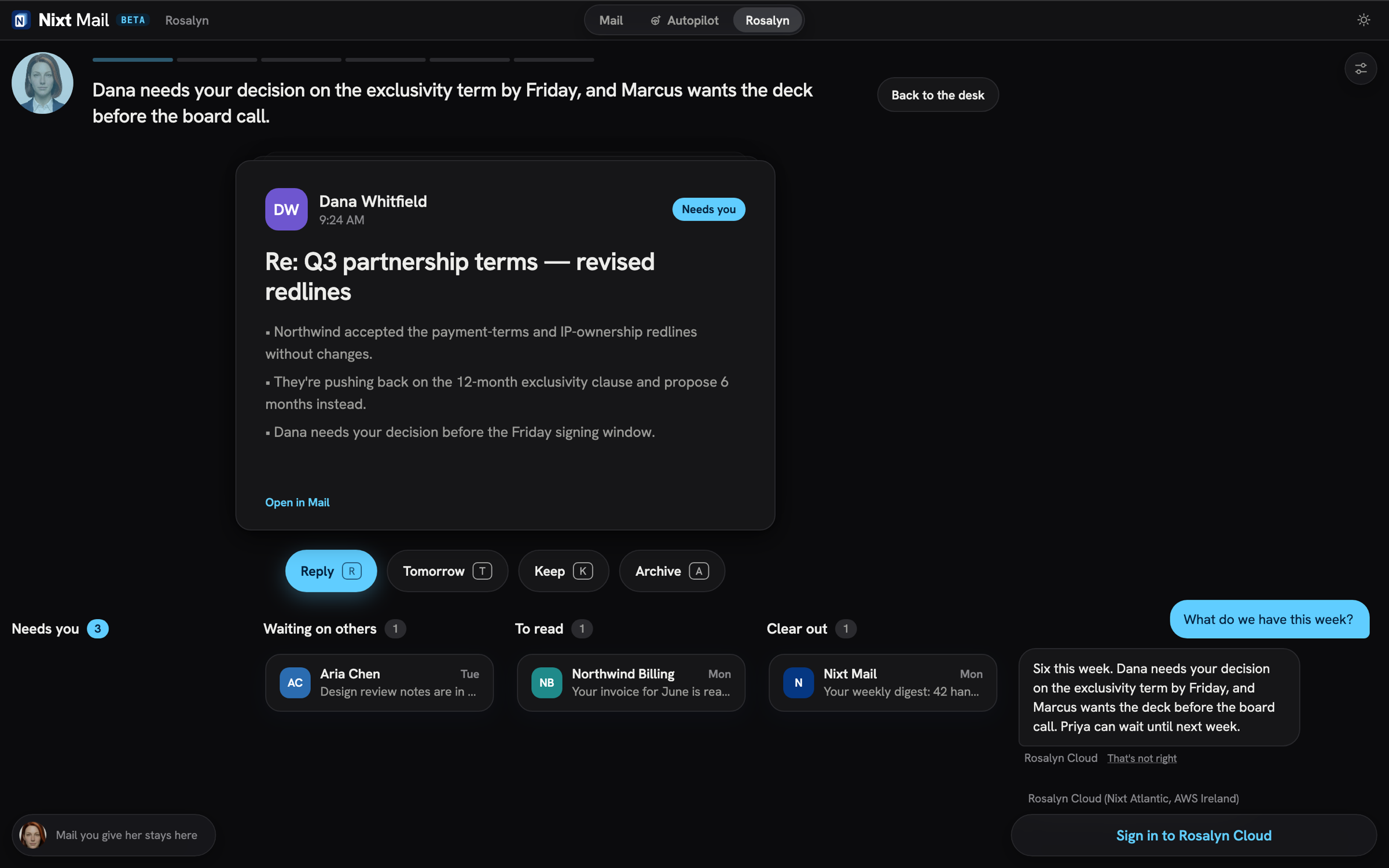
Going through it with her
She says what the card is, in her words; what the message says is copied from it. Reply opens the composer, Tomorrow snoozes, Keep leaves it, Archive puts it away. Each is a real action on your mailbox, so every device and app sees it.
Rosalyn is coming, on the plans with Rosalyn, and will run on Rosalyn Cloud in the EU.
Beside Mail
Calendar, To-dos, Documents and People sit under Mail on one floating bar. Documents and People need no second account and no second permission: they are what your mailbox already holds, read as a shelf of files and a list of the people who write to you.
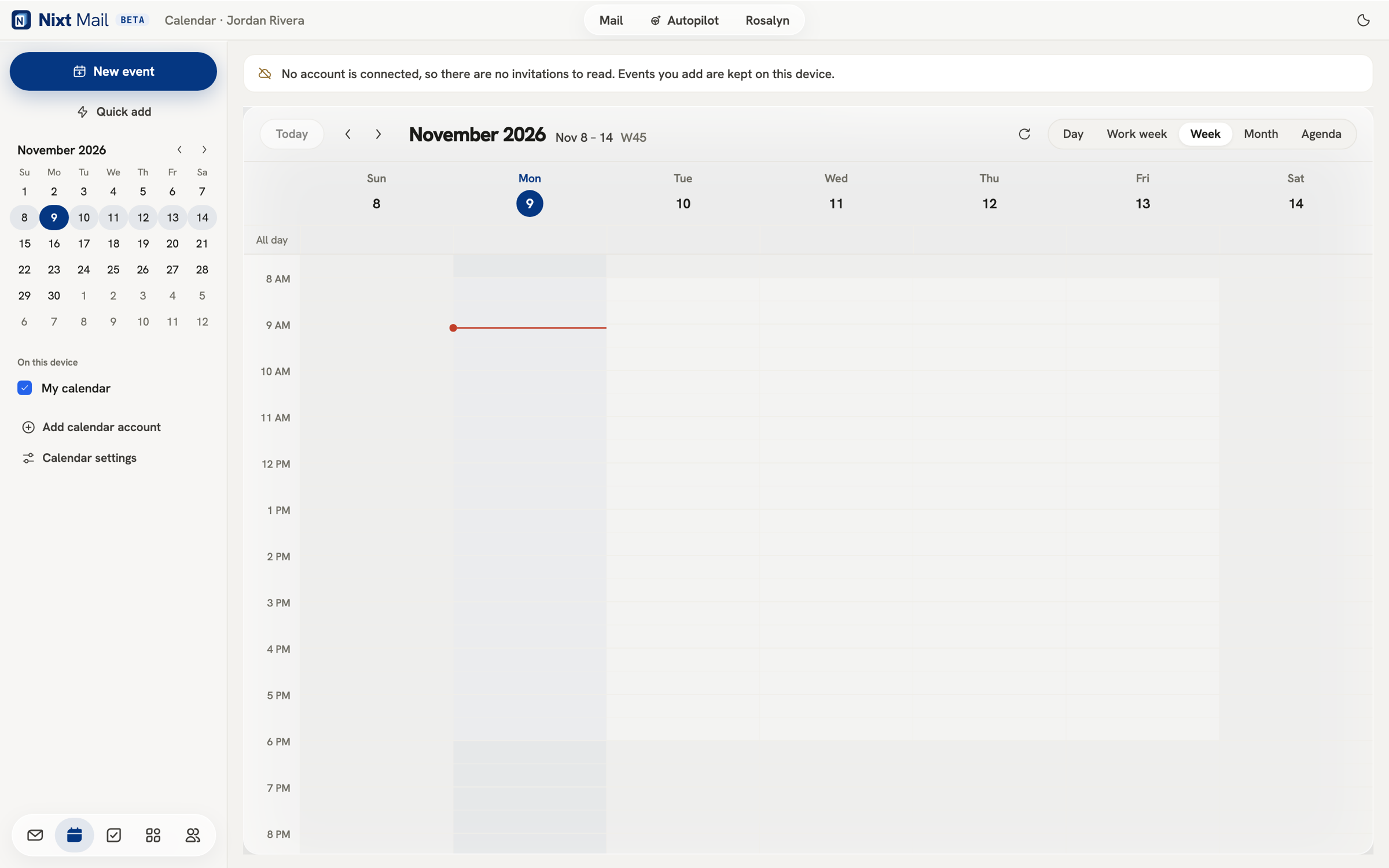
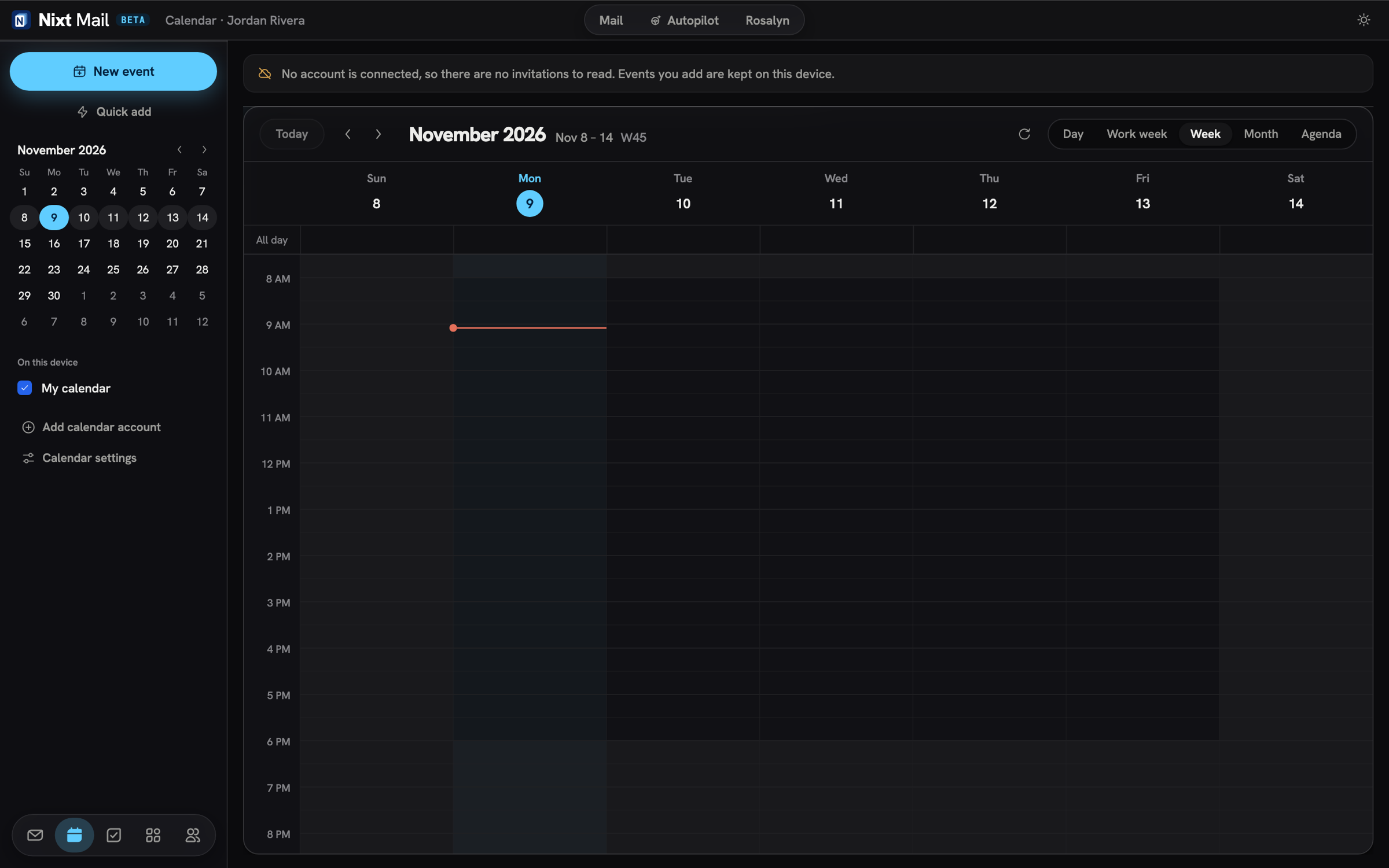
Day, work week, week, month and agenda. Google, iCloud, Fastmail, Microsoft 365 and any CalDAV calendar, with the invitations from your mail beside them.
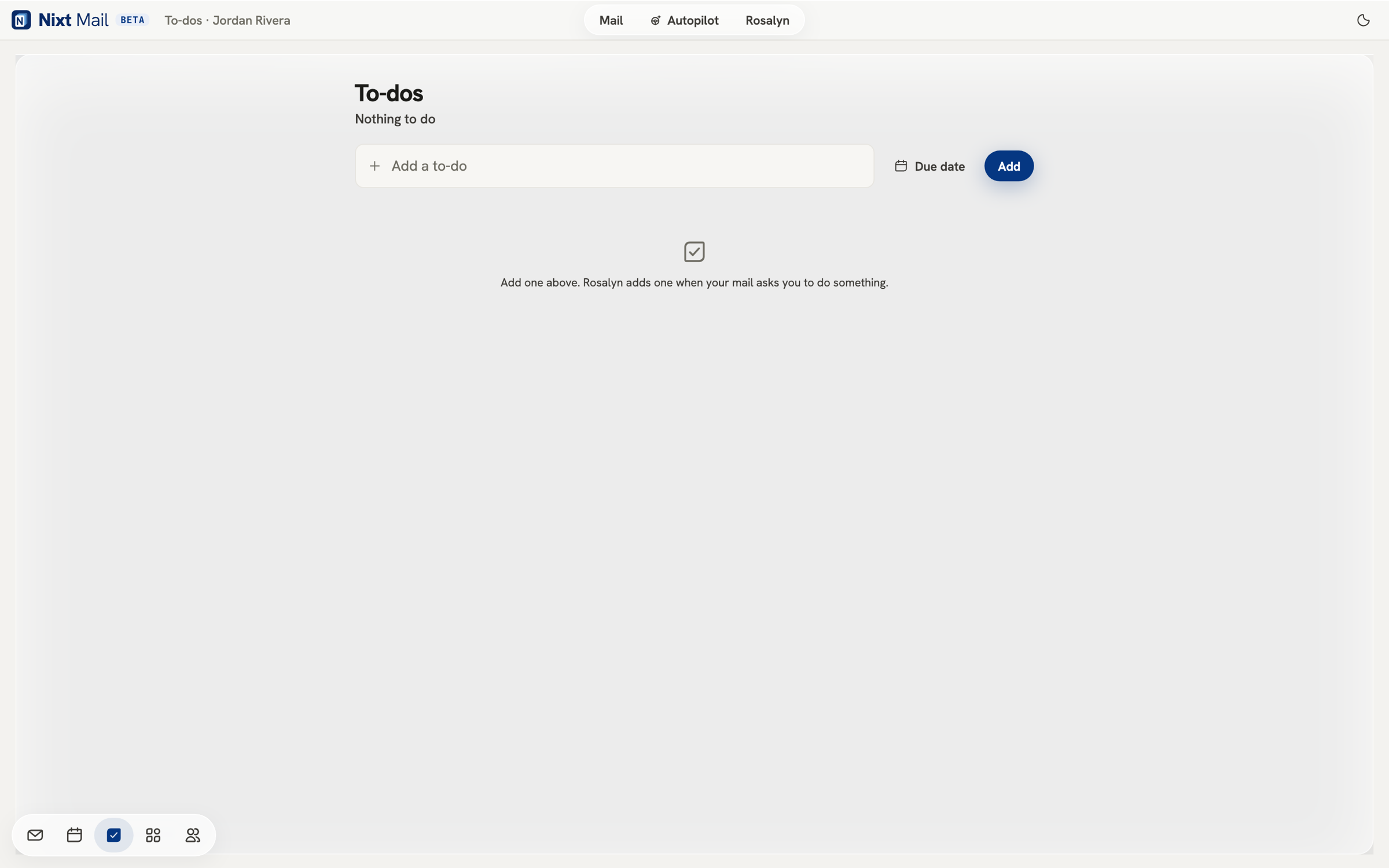
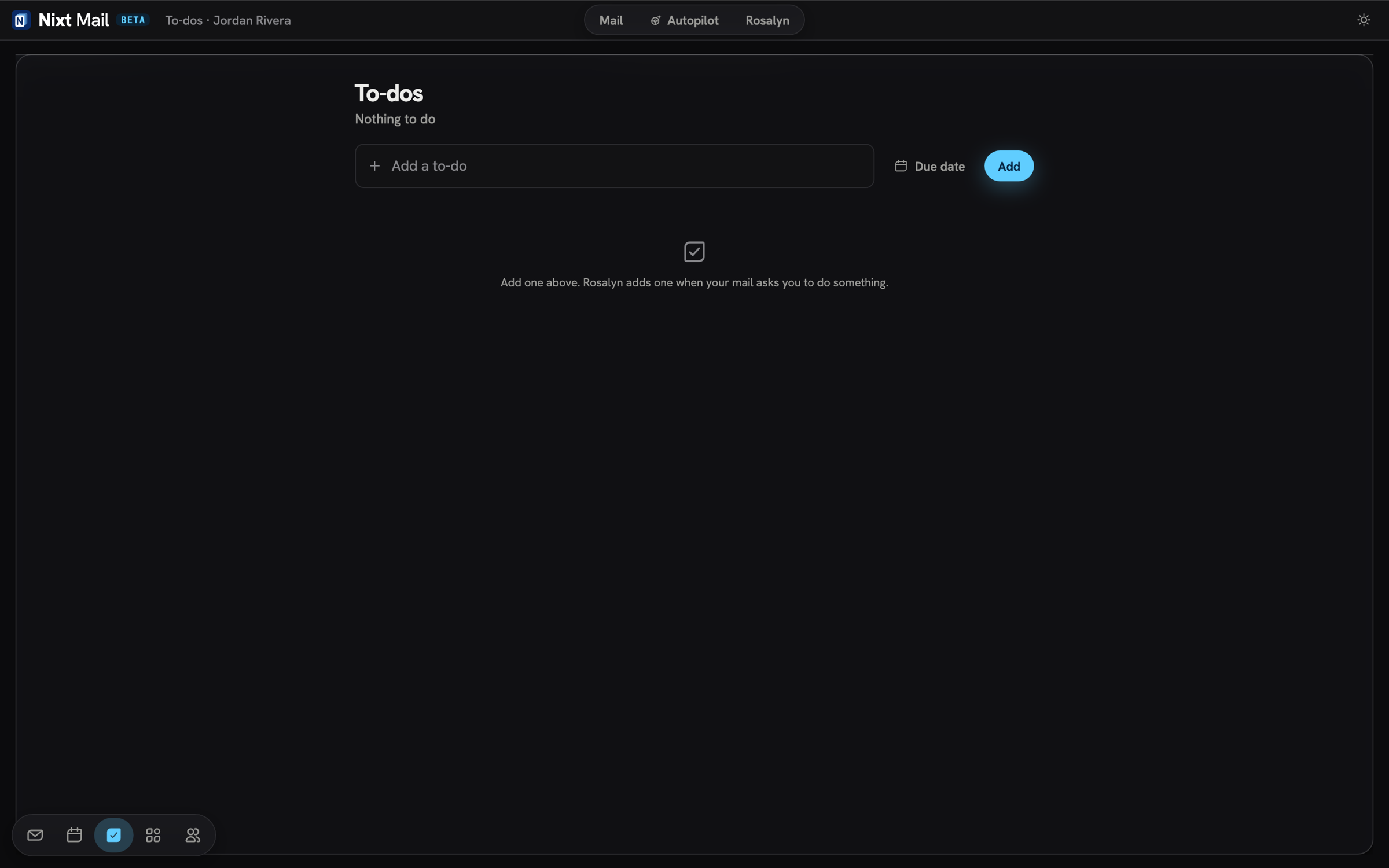
Your list, beside Mail and Calendar.
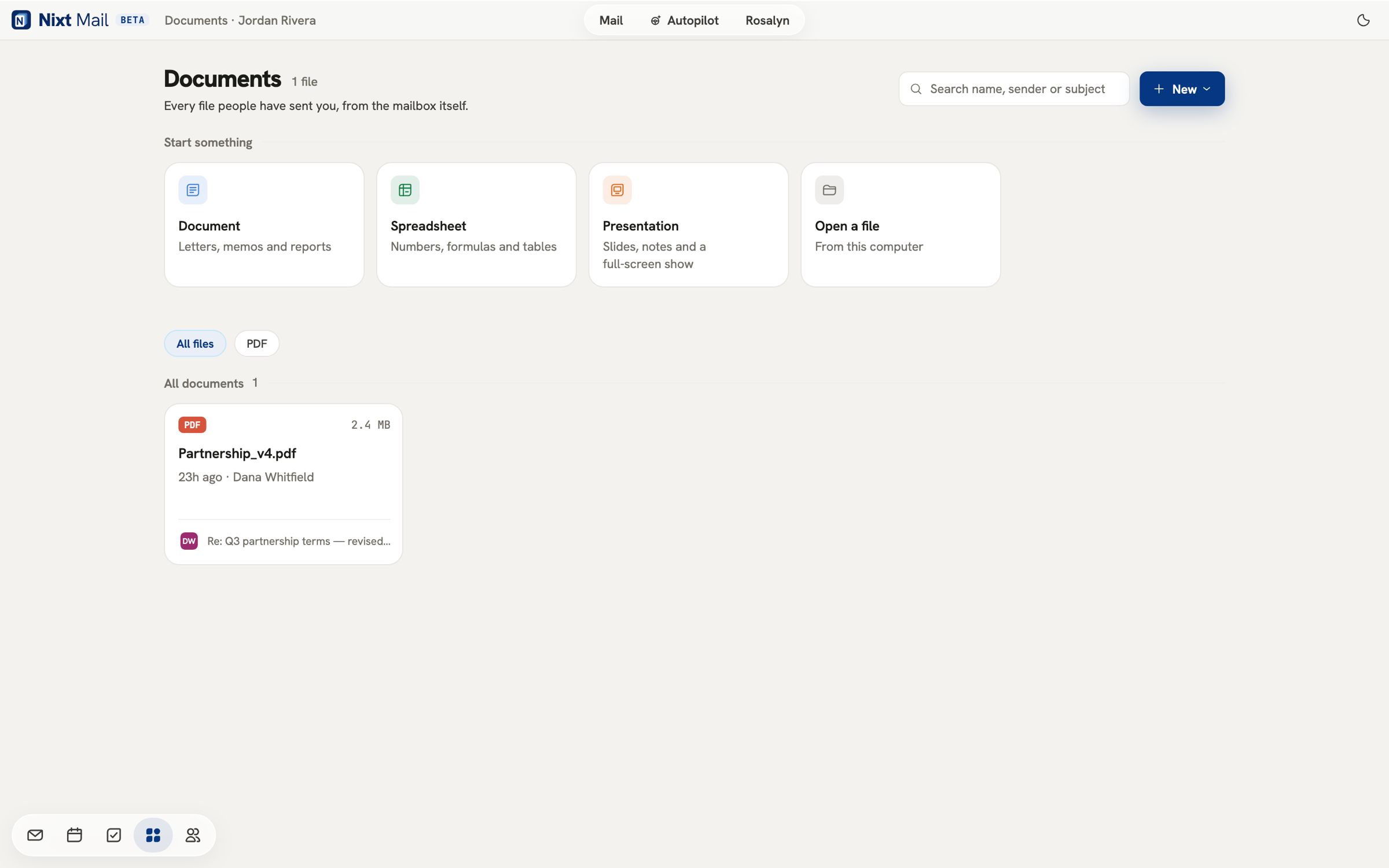
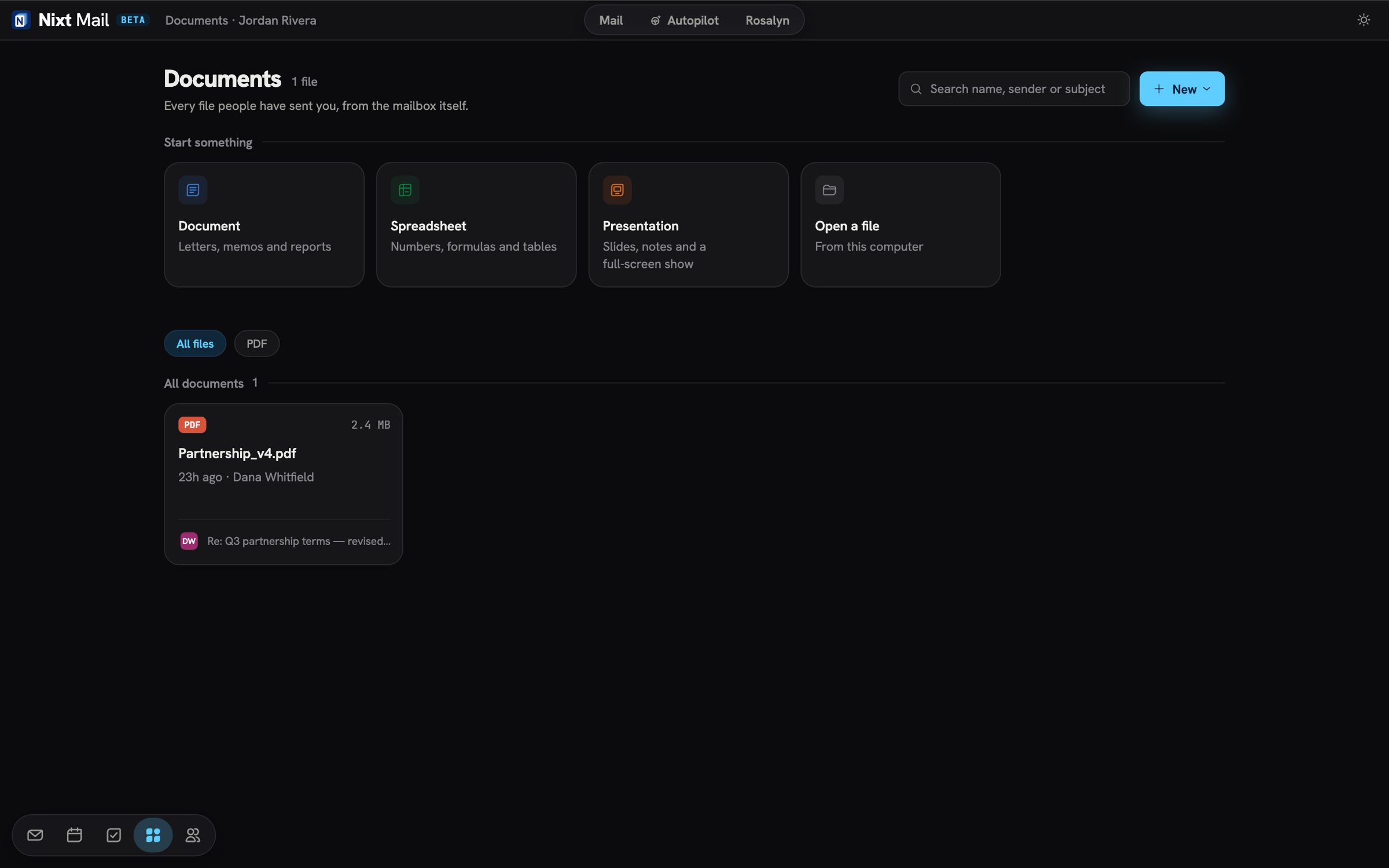
Every file people have sent you, from the mailbox itself. Start a document, spreadsheet or presentation from here.
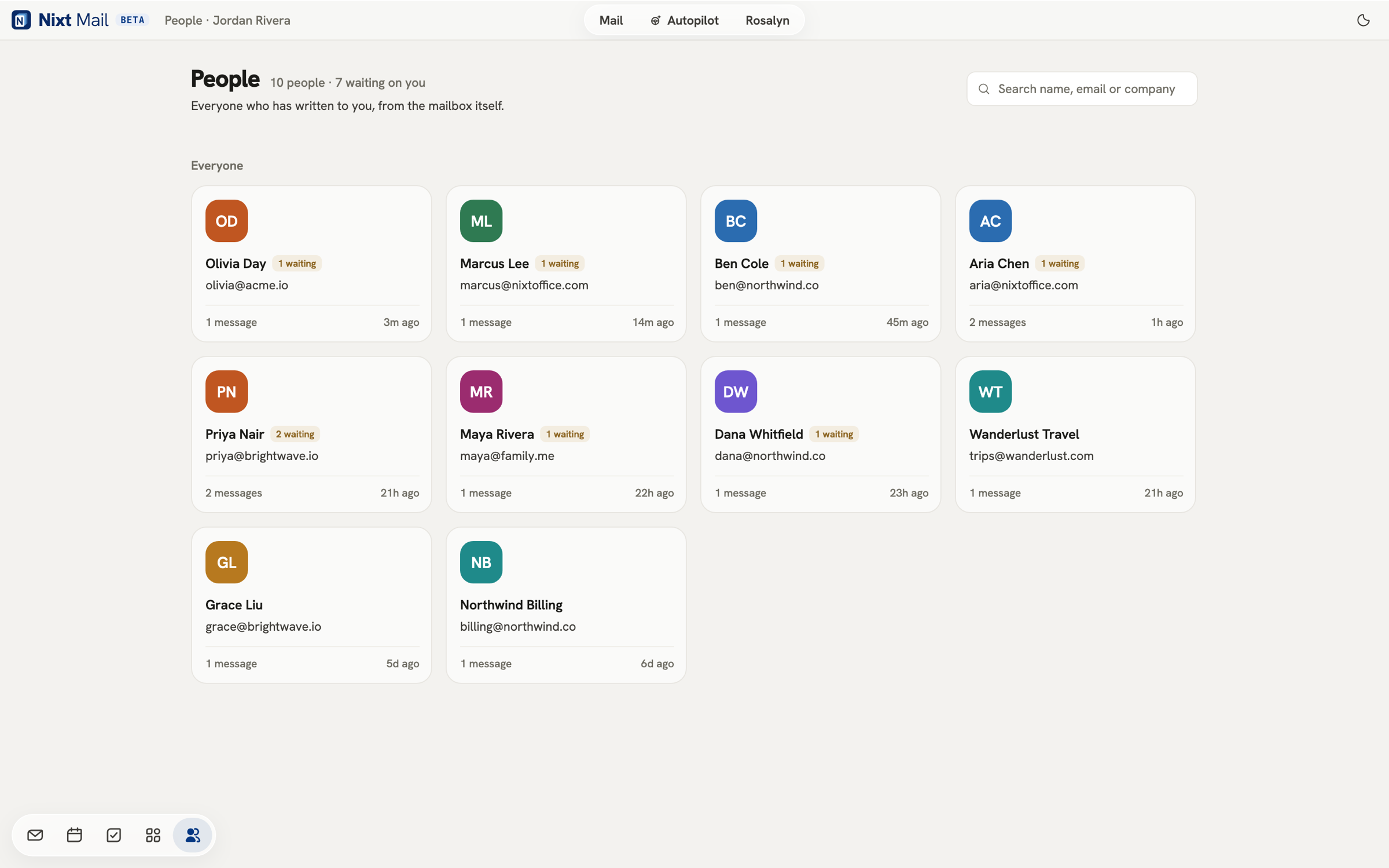
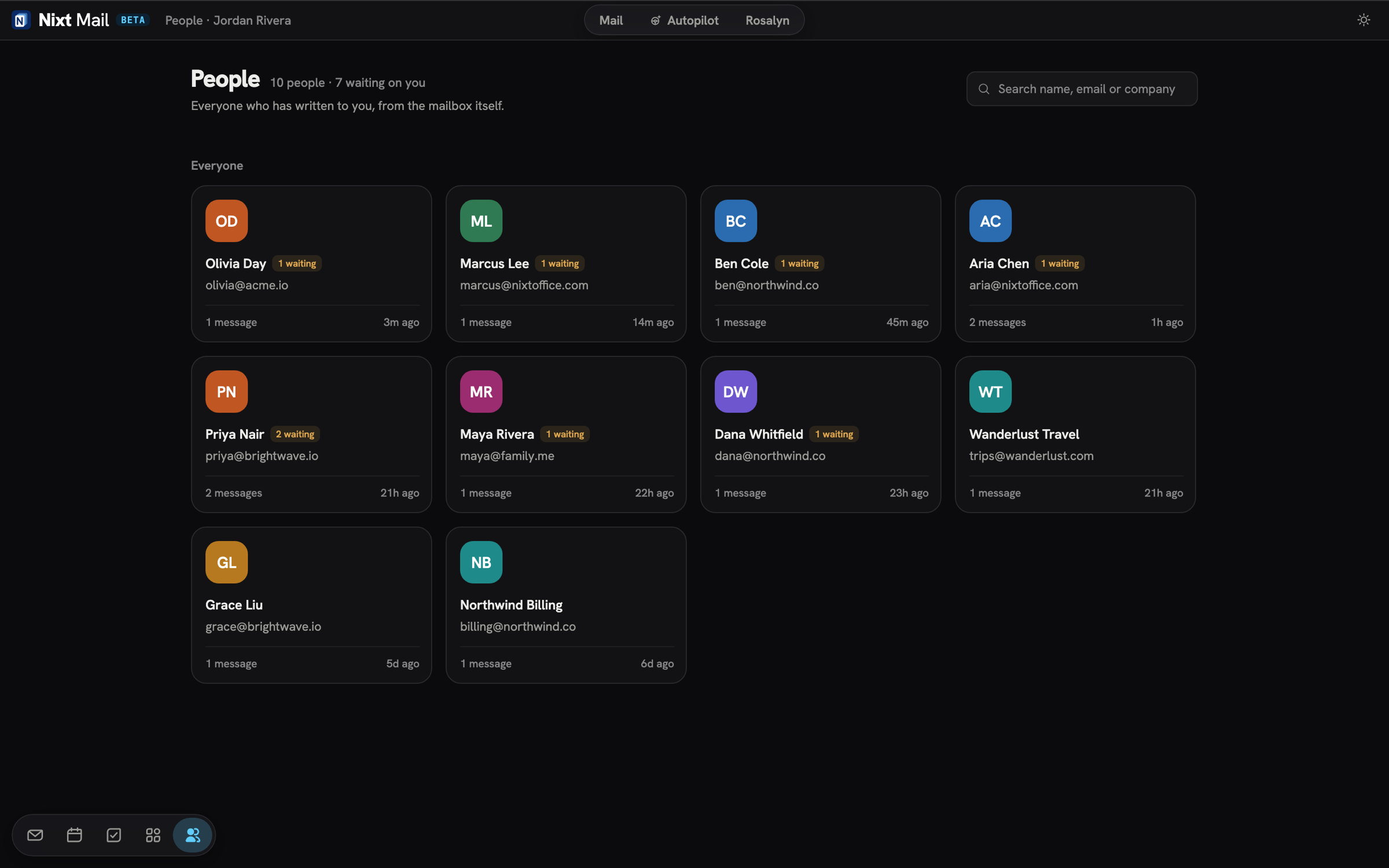
Everyone who has written to you, from the mailbox itself, with who is waiting on you.
Speed
Every action has a key. Search or Ask AI answers in a keystroke, nothing animates for longer than 0.22s, and the window never waits on a network round trip to feel responsive.
Platforms
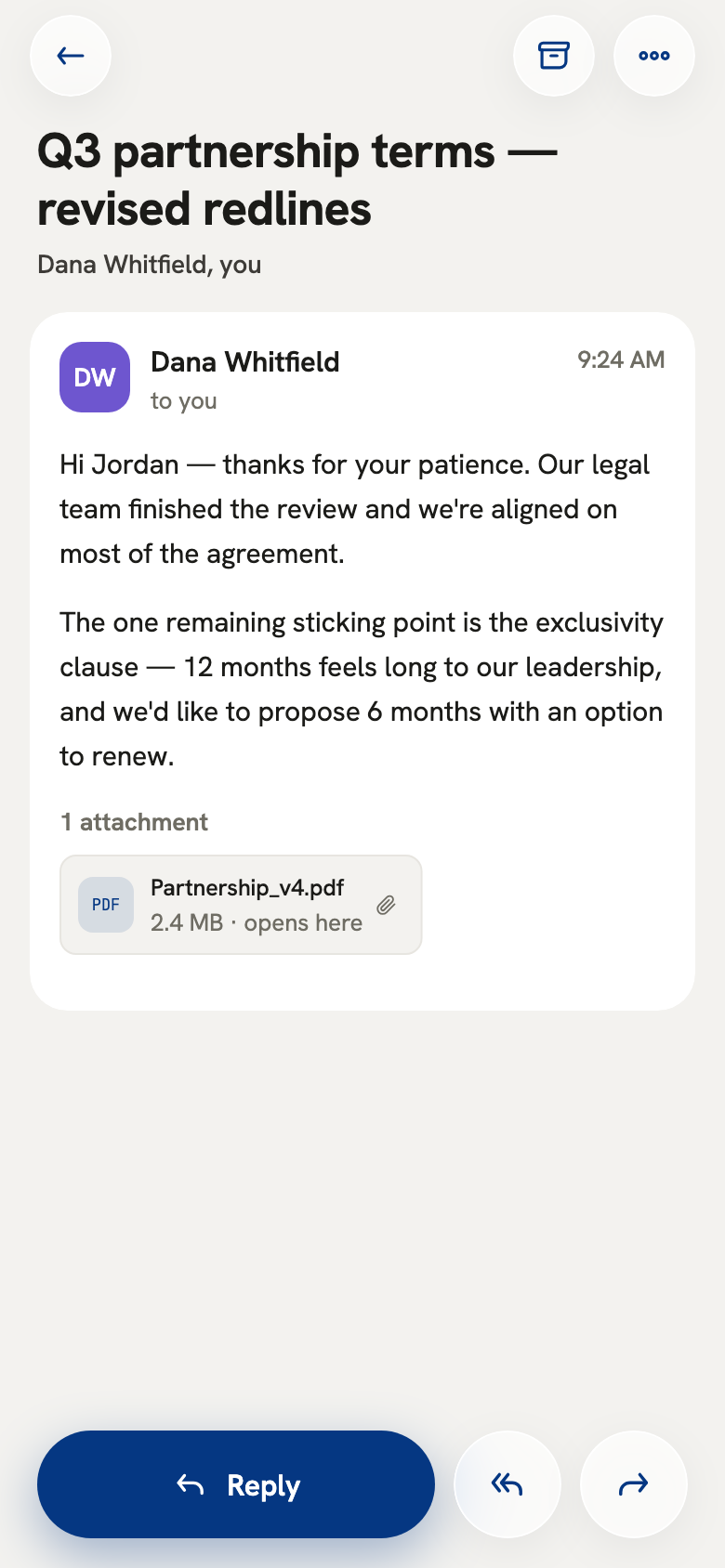
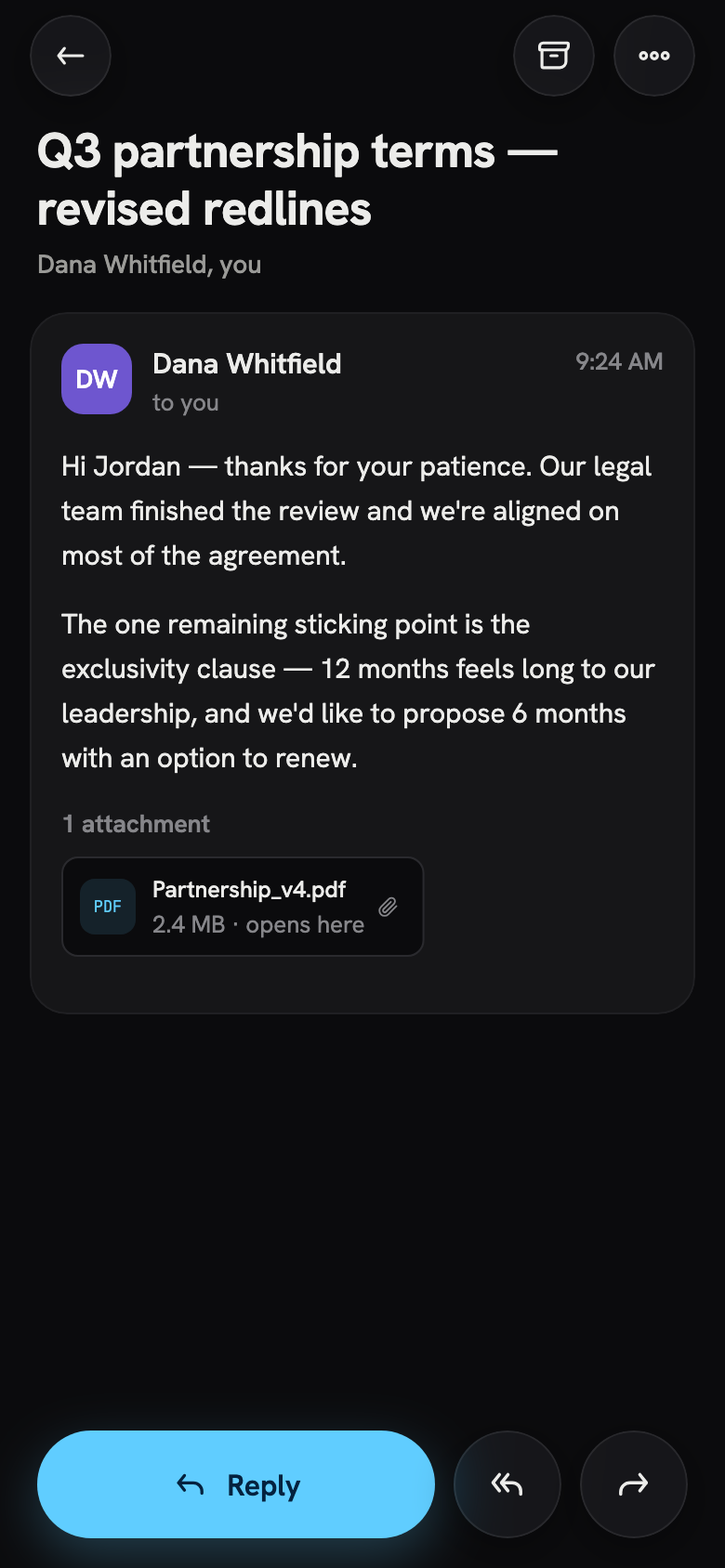
One Flutter codebase, five real applications. Linux is not an afterthought here, and the phone is the same client, redrawn for a thumb, not a companion app.
Traffic lights, Keychain.
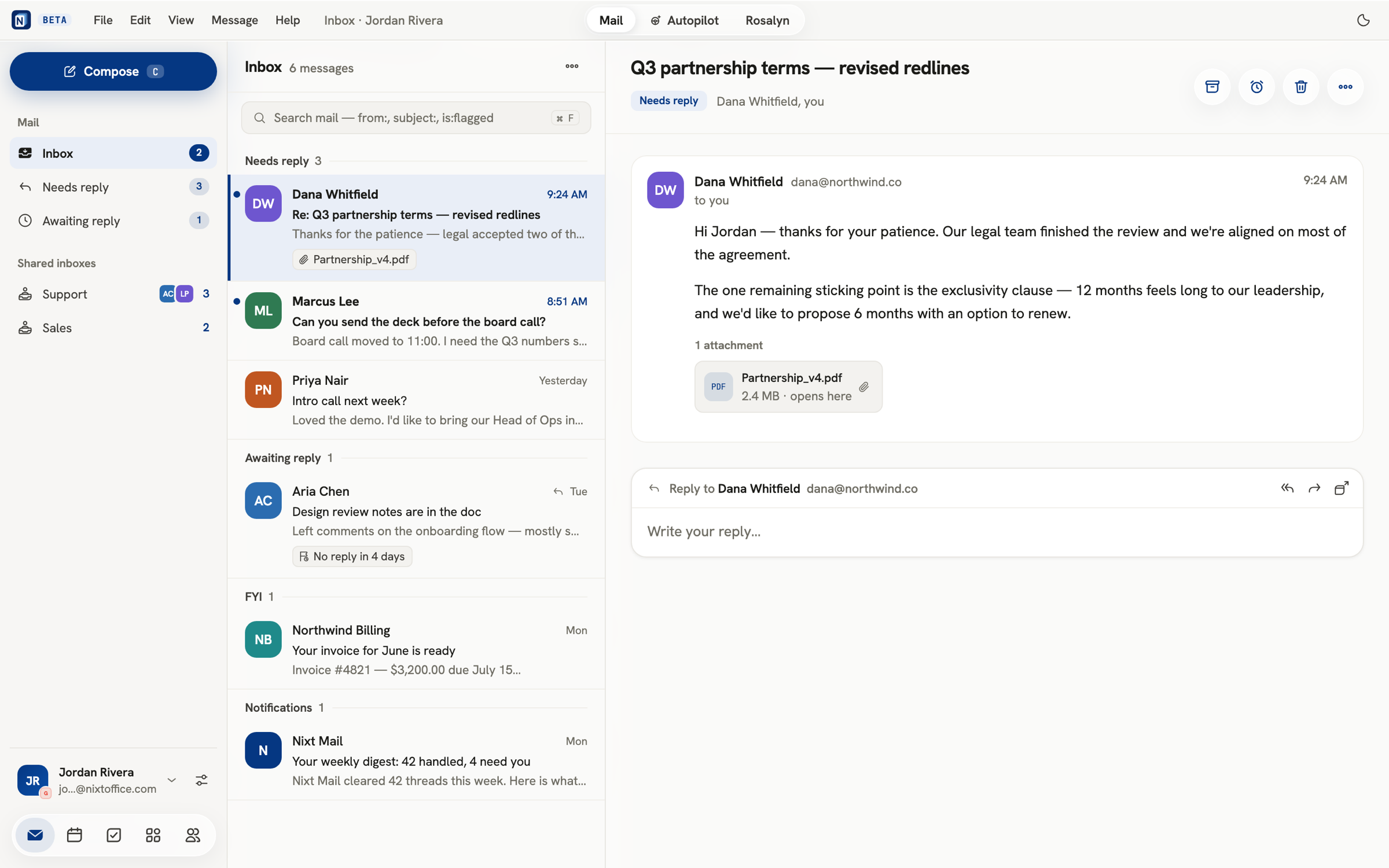
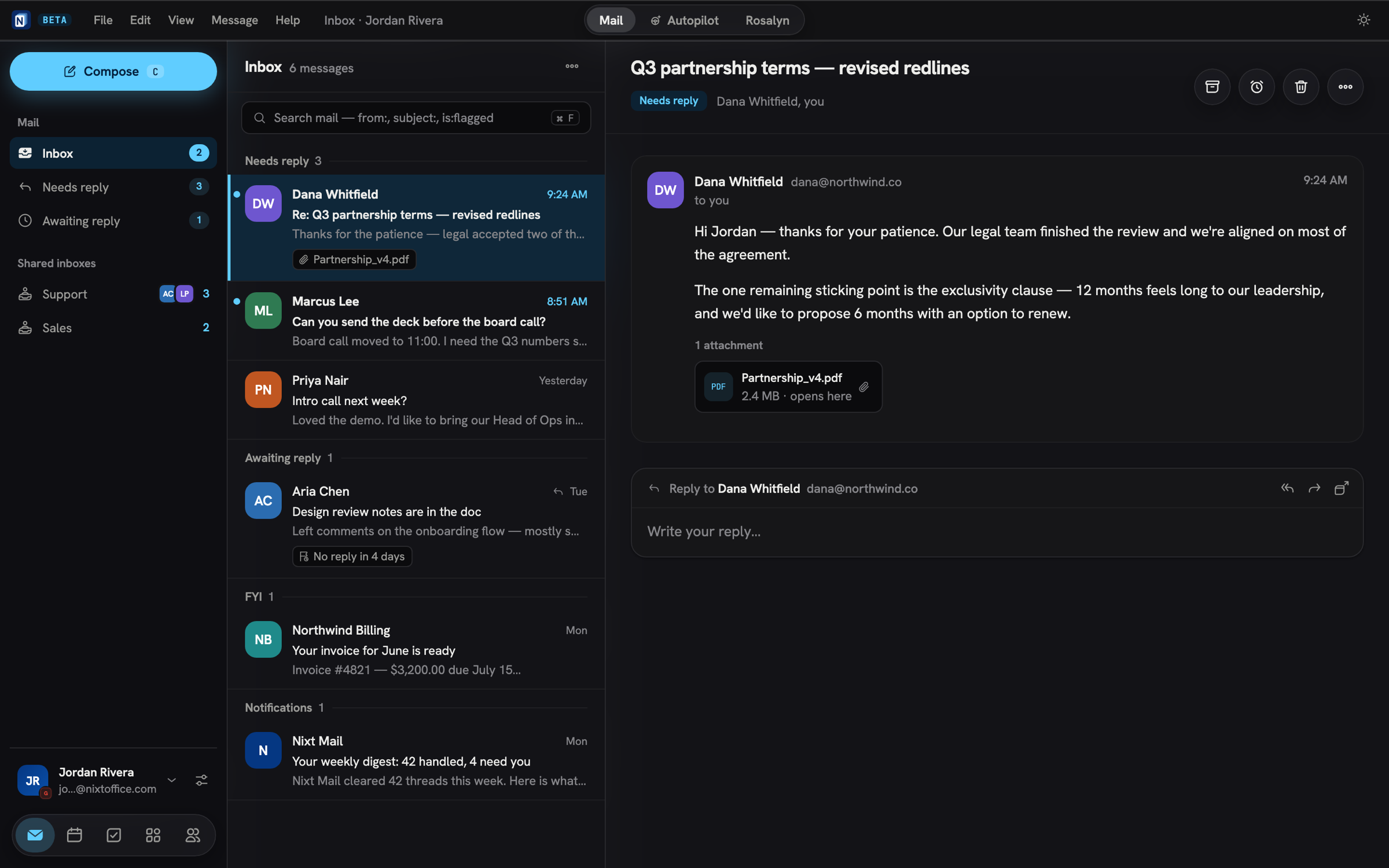
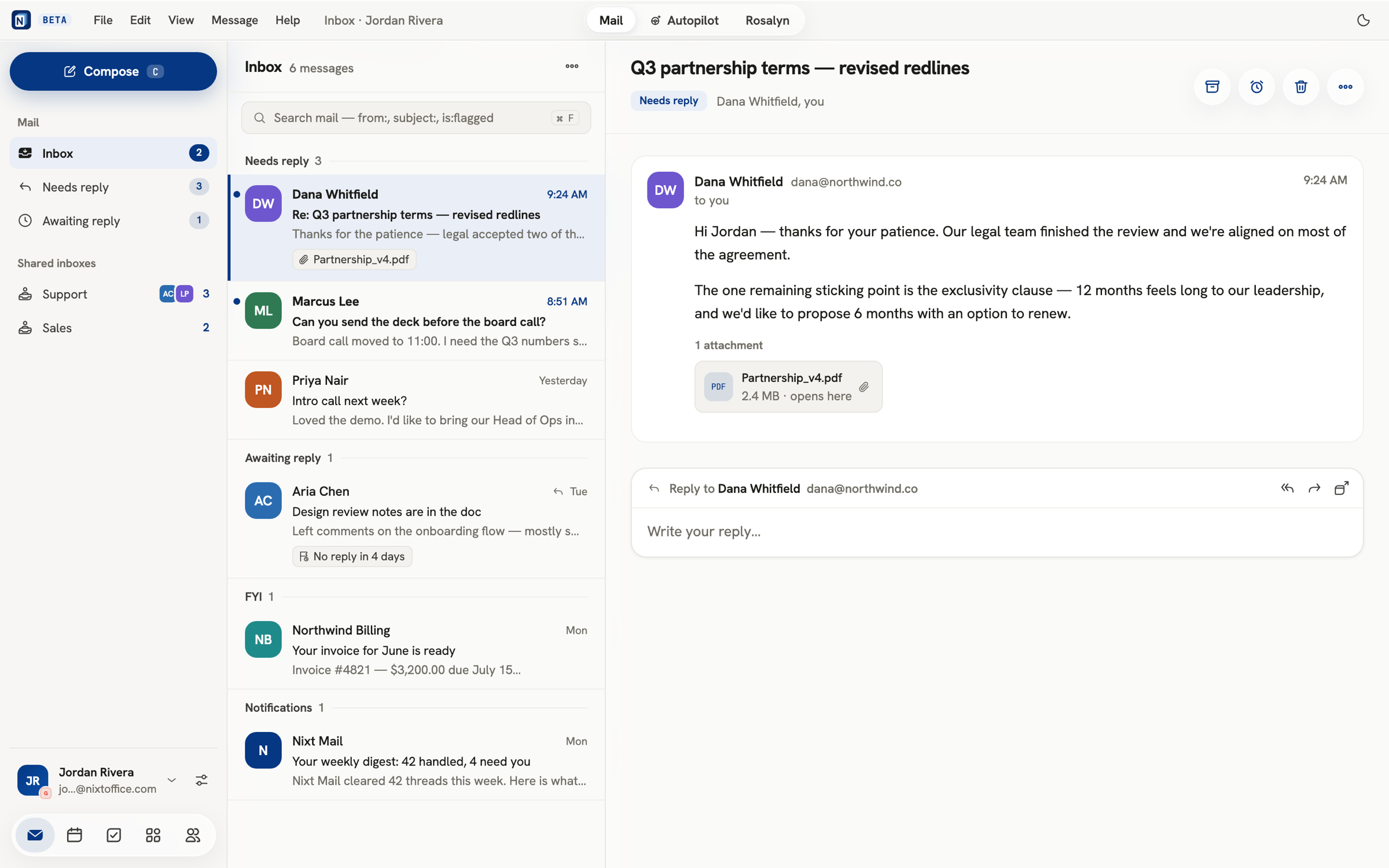
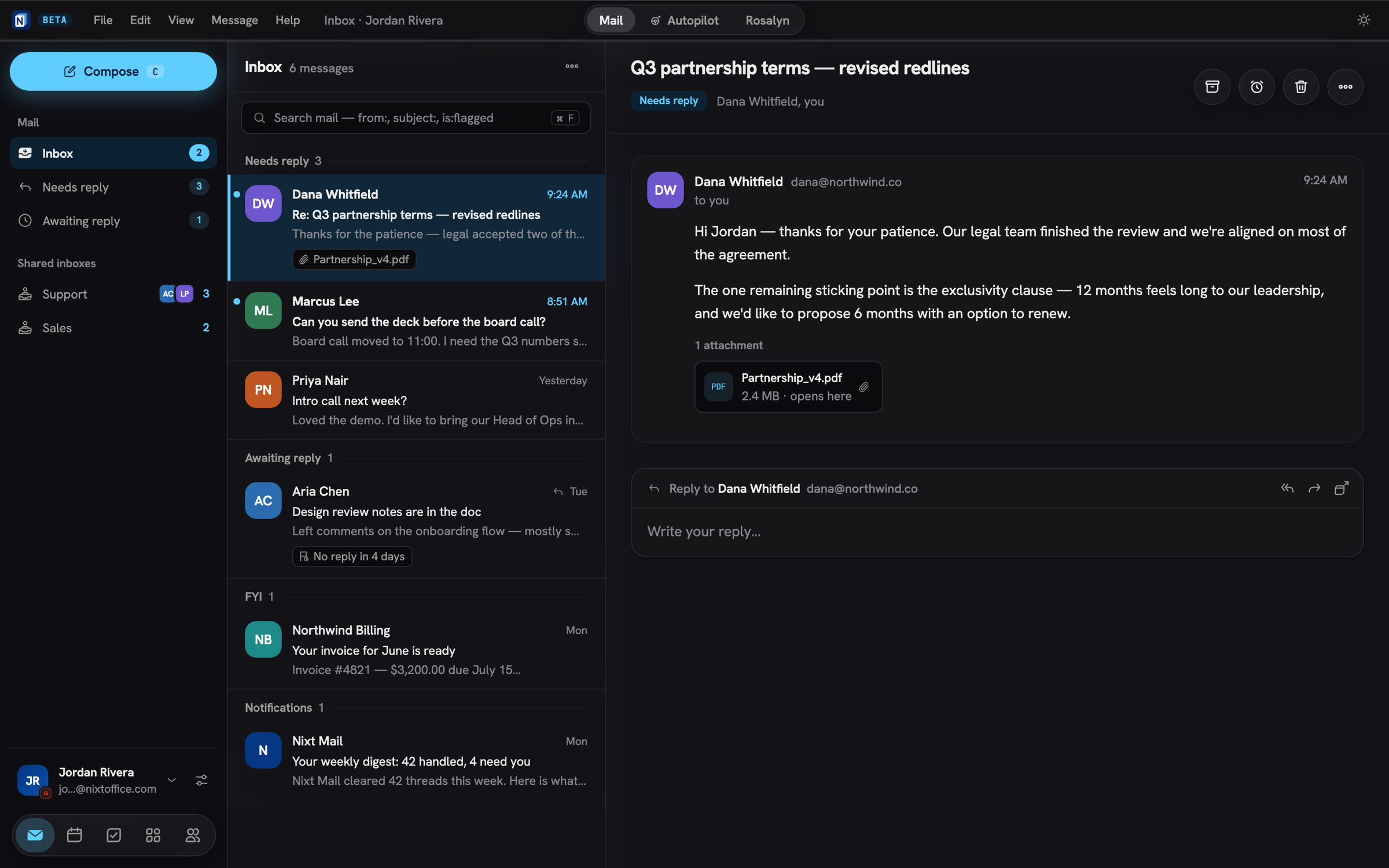
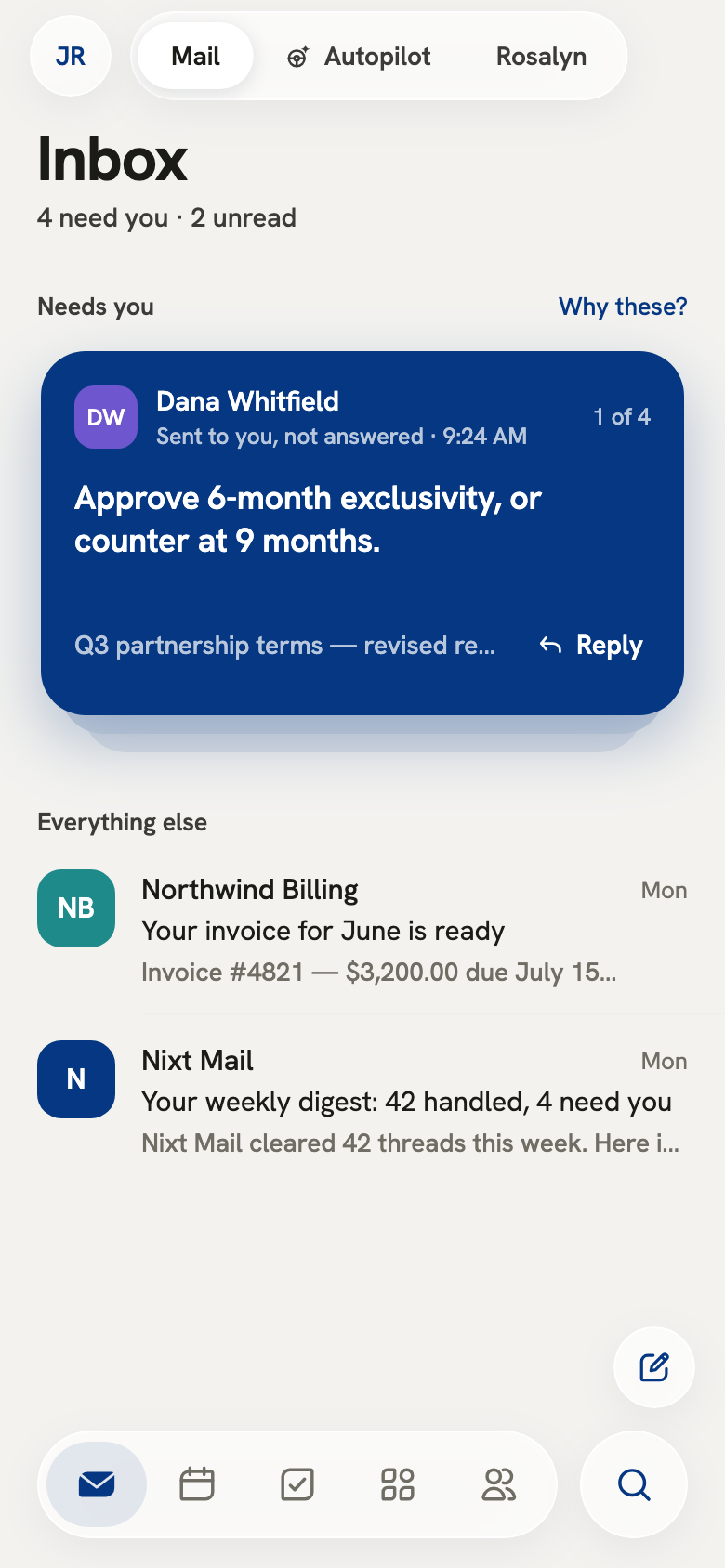
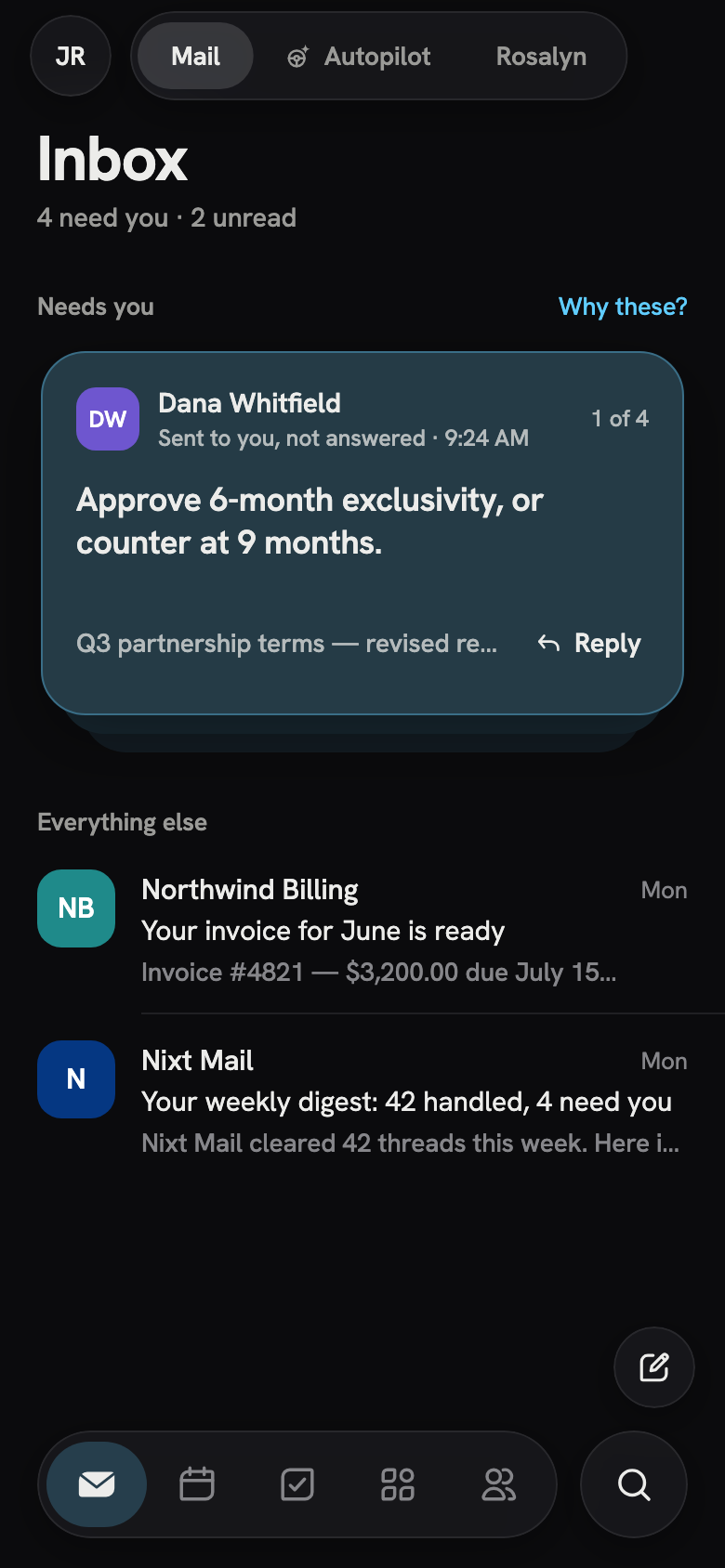
Universal build for Apple silicon and Intel. Keychain-backed.
Native window chrome, Credential Manager for secrets, the same three-pane layout.
A first-class desktop build, not a wrapper.
The same codebase on iPhone. Credentials in the Keychain, pinned to the device; Face ID app lock.
Material chrome over the same core, secrets in the Android Keystore, biometric app lock.
How it compares
What each app does with your mail and its AI, from each vendor’s own published pages. Sources
| Nixt Mail | Superhuman | Shortwave | Missive | |
|---|---|---|---|---|
| Choose on-device or cloud for each capability | Per capability * | No | No | No |
| AI able to run entirely on your machine | Yes † | No | No | No |
| AI usage limits | Set only by your own AI provider | Features vary by plan; no published cap | Metered per day | Limited by prepaid credit, or by your own provider |
* Rosalyn will always run in the cloud. † The AI features, with a model you run; not Rosalyn. Nixt hosting your mail is a separate choice. Every competitor cell comes from that vendor’s own pages, read on 15 November 2026: sources. Seen something out of date? Tell us.
There is nothing to import. Nixt Mail reads the account you already have, so switching is one sign-in — and switching back is uninstalling.
Get Nixt Mail freePricing
Shared inboxes run on Nixt DNA Server. The free license covers 25 mailboxes, with shared inboxes, assignment and comments in Nixt Mail; Business adds the rules and reports an organization sets for everyone. No per-seat fee to work together.
Free license
renewed free each year
Business
$18 · £15, billed yearly, once billing opens
Enterprise
$36 · £30, from $3,600 a year
Questions
No. Nixt Mail is a client, not a mail service. You keep the account you already have — Gmail, Outlook, Fastmail, or any standard IMAP and SMTP server — and Nixt Mail connects to it directly from your machine.
Nothing extra. Nixt Mail has no AI markup and no usage meter, because Nixt Mail is not the one paying for inference. You bring an API key, or you point it at a model running locally and pay nobody.
Without Rosalyn, never. Nixt Mail talks straight to your email provider, so your mailbox is never copied to our servers. If you set up AI with a hosted provider, the messages you ask about, and any mail Nixt Mail’s AI features work through for you in the background, go to that provider, on your own key, not to us; with a model you run on your own computer, its AI requests stay on it. Rosalyn is optional, and coming: when you turn her on, the mail she needs for each request will go to Rosalyn Cloud in the EU, be used for that answer, and won’t be kept. If Nixt hosts your mail, it is stored on our servers, as your email provider’s would be.
Yes. Nixt Mail Free: your email app, free for good. No card, no time limit, no ads and nothing behind an upgrade prompt. Also in Free now: calendar, documents and AI on your own key, your own machine or your own agent; your AI provider may charge you for your own key. Only the email app is free for good; what else is in Free can change, and we’ll tell you 30 days before it does. Rosalyn and the other features on Rosalyn Cloud are paid: the plans with Rosalyn are coming, and no payment is taken until billing opens. Nixt PDF is free. Nixt Writer, Sheets and Slides are coming later. You create one Nixt Office account first, for every product.
Nothing breaks. Nixt Mail carries on at Free, with your accounts and your mail where they were. An email client that bricks itself is not something we are willing to ship.
Anthropic, OpenAI and Azure OpenAI, plus any OpenAI-compatible endpoint — Ollama and LM Studio included. Keys are entered locally, stored in the OS keychain, and never sent to us. Nixt Mail also links you to your provider’s spend-limit page during setup.
There is nothing to cancel yet: no payment is taken until billing opens. When it does, canceling will be on your account page, and the cancellation and refund terms will be published before anyone is asked to pay. We will never ask for payment by email.
Yes. The collaboration server is designed to run on your own infrastructure, and the sovereign plan includes the deployment guide, a support SLA and a VPAT.
Try it
Create a Nixt Office account for your organization and download the build for your platform. Add a colleague and watch assignment and presence work without the server ever holding the mail.
Share the inbox, not the mailbox. Nixt Mail is free. Working together is free up to 25 mailboxes.
Get Nixt Mail free